How to Test a Webhook (Without Deploying Anything)
You've set up a webhook in Stripe, GitHub, or Shopify. You've pointed it at a URL. You trigger an event, stare at your terminal, and nothing happens. This guide covers every practical way to test webhooks at every stage — no theory dumps, just working methods.
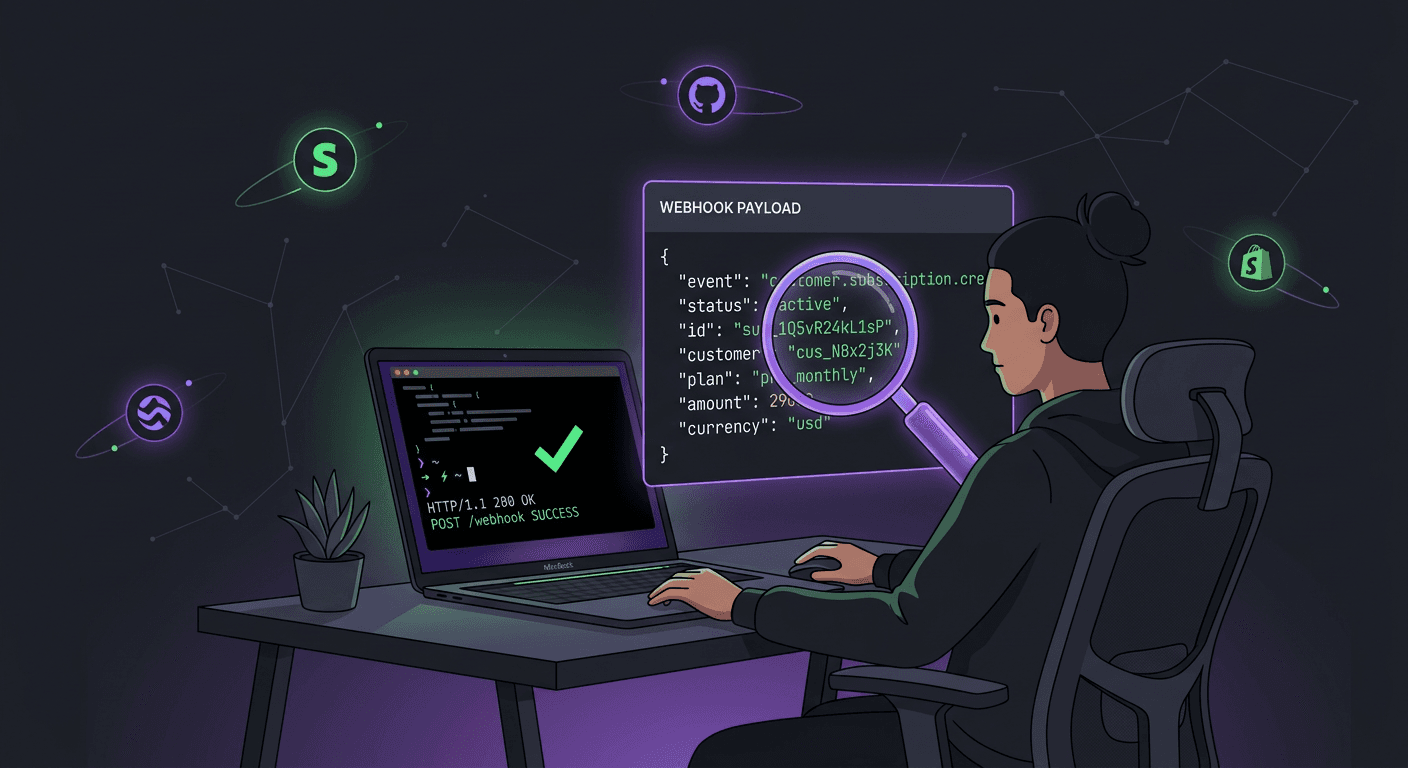
Why Testing Webhooks Is Harder Than Testing APIs
When you test an API, you're in control. You open a terminal, type a curl command, and get a response. The flow is one-directional: you ask, the server answers.
Webhook testing flips this around. The external service initiates the request — it sends an HTTP POST to your server. That means your server needs to be reachable from the public internet. If you're developing on localhost:3000, Stripe can't find you. GitHub can't reach you. Nothing arrives.
This creates three specific problems you need to solve before you can test a single webhook:
- Your local machine isn't publicly accessible. Your router, firewall, and ISP all sit between your development server and the internet. The webhook provider has no way to deliver a payload to
127.0.0.1. - You can't easily see what the provider is sending. Unlike an API response that lands in your terminal, a webhook payload arrives at your server. If your handler has a bug, you might never see the actual data that was sent.
- You can't control the timing. With an API, you decide when to make a request. With a webhook, you need to trigger a real event on the provider's side and then wait for the notification to arrive.
Method 1: Use a Webhook Testing Tool (Fastest)
The quickest way to test a webhook — and the method most developers should start with — is a dedicated webhook testing tool. No code, no tunnels, no configuration.
CatchHooks gives you a unique public URL in one click. Paste that URL into any webhook provider as your endpoint, trigger an event, and the full incoming request appears in real time: headers, body, query parameters, and timestamps. You can inspect the raw payload before writing a single line of handler code.
Here's the workflow:
- 1Go to catchhooks.com and generate a webhook test URL.
- 2Copy the URL and paste it into your provider's webhook settings (Stripe Dashboard → Webhooks → Add endpoint, or GitHub → Settings → Webhooks).
- 3Trigger a test event — make a test payment in Stripe, push a commit to GitHub, or submit a test order in Shopify.
- 4Switch back to CatchHooks and inspect the incoming request.
This approach is ideal early in development. You get to see the exact payload structure, header format, and content type before committing to any handler logic. It answers the most important question first: "what does this webhook actually send me?"
Try it free → catchhooks.com
Generate a webhook endpoint in one click. No signup, no install, no configuration.
Method 2: Tunnel to Localhost (For Local Handler Testing)
Once you know what the payload looks like, you'll want to test your actual handler code running on your local machine. For that, you need to make your localhost reachable from the internet. Tunneling tools create a temporary public URL that forwards traffic to your local server.
The most common approach uses ngrok:
# Start your local server
node server.js  # listening on port 3000

# In a separate terminal, create a tunnel
ngrok http 3000
ngrok gives you a public URL like https://a1b2c3d4.ngrok.io. Set that as your webhook endpoint in the provider's dashboard, trigger an event, and the request gets forwarded to your local server.
This works, but there are tradeoffs. Free tier URLs rotate on restart, so you'll need to update your webhook endpoint every time. The tunnel adds latency. And you need to keep ngrok running in a terminal alongside your server. For quick local debugging it's effective — for initial payload inspection, a webhook tester is faster.
Method 3: Use the Provider's Built-In Test Events
Many webhook providers include a "send test event" button in their dashboard. This is the easiest way to trigger a delivery without creating real data.
Stripe: Go to Developers → Webhooks → Select your endpoint → Send test webhook. You can choose the event type (payment_intent.succeeded, customer.created, etc.) and Stripe sends a sample payload to your registered URL.
GitHub: Under your repository's webhook settings, there's a "Recent Deliveries" tab. After the first real delivery, you can redeliver any past event. GitHub also sends a ping event when you first create a webhook.
Shopify: Under Settings → Notifications → Webhooks, you can send a test notification for any event type you've subscribed to.
These built-in tools are convenient but limited. The test payloads are often generic samples, not real data from your account. They're good for verifying connectivity — "can the provider reach my endpoint?" — but less useful for testing handler logic against realistic data.
Method 4: Simulate Webhooks with curl
If you already know the payload structure (from inspecting it with a testing tool), you can simulate webhook deliveries locally using curl. This gives you full control over the payload and lets you test edge cases without triggering real events on the provider's side.
curl -X POST http://localhost:3000/webhooks/stripe \
  -H "Content-Type: application/json" \
  -H "Stripe-Signature: t=1234567890,v1=abc123..." \
  -d '{
    "id": "evt_test_123",
    "type": "payment_intent.succeeded",
    "data": {
      "object": {
        "id": "pi_test_123",
        "amount": 2000,
        "currency": "usd",
        "status": "succeeded"
      }
    }
  }'
This is powerful for automated testing. You can write test scripts that fire dozens of different payloads at your handler — success events, failure events, edge cases, malformed data — without touching the provider at all. The downside: you need to know the exact payload format first. That's why starting with a webhook testing tool to capture real payloads, then replaying them with curl, is the most efficient workflow.
Method 5: Write Automated Tests Against Your Handler
For production-grade webhook handlers, you'll want automated tests that run in CI. The approach: treat your webhook endpoint like any other HTTP endpoint and send it test payloads in your test suite.
// Example using Jest + supertest (Node.js)
const request = require('supertest');
const app = require('../app');

describe('POST /webhooks/stripe', () => {
  it('returns 200 and processes payment_intent.succeeded', async () => {
    const payload = {
      id: 'evt_test_123',
      type: 'payment_intent.succeeded',
      data: {
        object: {
          id: 'pi_test_123',
          amount: 2000,
          currency: 'usd',
          status: 'succeeded'
        }
      }
    };

    const res = await request(app)
      .post('/webhooks/stripe')
      .send(payload)
      .set('Content-Type', 'application/json');

    expect(res.status).toBe(200);
  });

  it('returns 200 on duplicate event (idempotent)', async () => {
    // Send the same event twice
    // Assert no duplicate side effects
  });
});
Key things to test: your handler returns 200 quickly, duplicate events don't cause double processing, unknown event types are handled gracefully, and malformed payloads don't crash your server. If you're verifying webhook signatures (and you should be — see our guide on webhook security and signature verification), test that invalid signatures are rejected with a 401.
A Practical Webhook Testing Workflow
Here's the workflow that works best in practice. It combines the methods above into a sequence that saves time and catches issues early.
- 1Inspect the payload first. Use CatchHooks to capture a real webhook delivery. Study the headers, body structure, and content type. Save a sample payload for later.
- 2Build your handler. Write the endpoint code using the payload structure you just observed. Handle the event types you care about, return
200immediately, and queue any heavy processing. - 3Test locally with curl. Replay the saved payload against your local handler using
curl. Test success cases, edge cases, and error cases. - 4Test with a tunnel. Point the provider at an ngrok URL to test the full end-to-end flow — real event → real delivery → your handler.
- 5Add automated tests. Write unit and integration tests that exercise your handler with realistic payloads. Run them in CI.
This progression goes from "what does the data look like?" to "does my code handle it correctly?" to "does the full pipeline work?" — and each step builds on the last.
Common Webhook Testing Mistakes
- Testing against production endpoints. Always use test/sandbox modes when available. Stripe, PayPal, and most payment processors offer test environments that send real webhook events with fake data. Don't trigger real charges to test your handler.
- Ignoring response codes. Your webhook endpoint should return a
2xxstatus code immediately. If it returns500or takes longer than a few seconds, the provider will retry — and you'll end up debugging phantom duplicate deliveries. - Not testing retries. Providers retry failed webhook deliveries. Your handler should be idempotent: processing the same event twice should have no additional side effects. Test this explicitly by sending the same payload twice.
- Skipping signature verification in tests. If you're bypassing HMAC signature checks during development, you'll forget to enable them before going live. Test the full signature verification flow, including rejection of invalid signatures.
- Not logging incoming requests. When a webhook isn't working, the first question is always "did the request even arrive?" Log every incoming webhook request — method, headers, body — so you can diagnose issues without guessing.
Frequently Asked Questions
How do I test a webhook locally?
You have two main options. First, use a tunneling tool like ngrok to create a public URL that forwards traffic to your localhost. Run ngrok http 3000, copy the generated URL, and set it as your webhook endpoint. Second, skip the tunnel entirely and use curl to simulate deliveries by POSTing saved payloads directly to your local server. For initial payload inspection before writing any code, a tool like CatchHooks lets you capture real deliveries without any local setup.
What is the best webhook testing tool?
It depends on what you need. For quickly inspecting payload structure and verifying that a provider is sending events correctly, CatchHooks is the fastest option — one click gives you a public endpoint that captures and displays incoming requests in real time. For testing your local handler end-to-end, ngrok or a similar tunnel creates a bridge between the provider and your development machine. For automated testing, standard HTTP testing libraries (supertest, pytest, etc.) let you replay payloads in your CI pipeline.
How do I test a Stripe webhook?
Stripe offers two approaches. In the Stripe Dashboard, go to Developers → Webhooks, select your endpoint, and click "Send test webhook" — Stripe will send a sample event to your URL. For more realistic testing, use Stripe's test mode: create test payments with the card number 4242 4242 4242 4242, and Stripe will fire real webhook events with test data to your endpoint. Combine either method with a webhook testing tool to inspect the payloads before building your handler.
Can I test webhooks without a public server?
Yes. You don't need to deploy anything to a cloud server. Use a webhook testing tool to generate a temporary public URL that captures incoming requests for you. Alternatively, use a tunneling tool like ngrok to temporarily expose your local development server to the internet. Both methods let you receive real webhook deliveries during development without provisioning any infrastructure.
How do I debug a webhook that isn't arriving?
Start by confirming the webhook is being sent at all. Check the provider's delivery logs — Stripe, GitHub, and Shopify all show recent delivery attempts with status codes and response details in their dashboards. If the provider shows a successful delivery but your handler didn't process it, check your server logs for the incoming request. If nothing arrived, your endpoint URL may be wrong or unreachable. Use a testing tool to verify that the URL itself can receive requests, then work backward from there.